
My Templates (Studio)
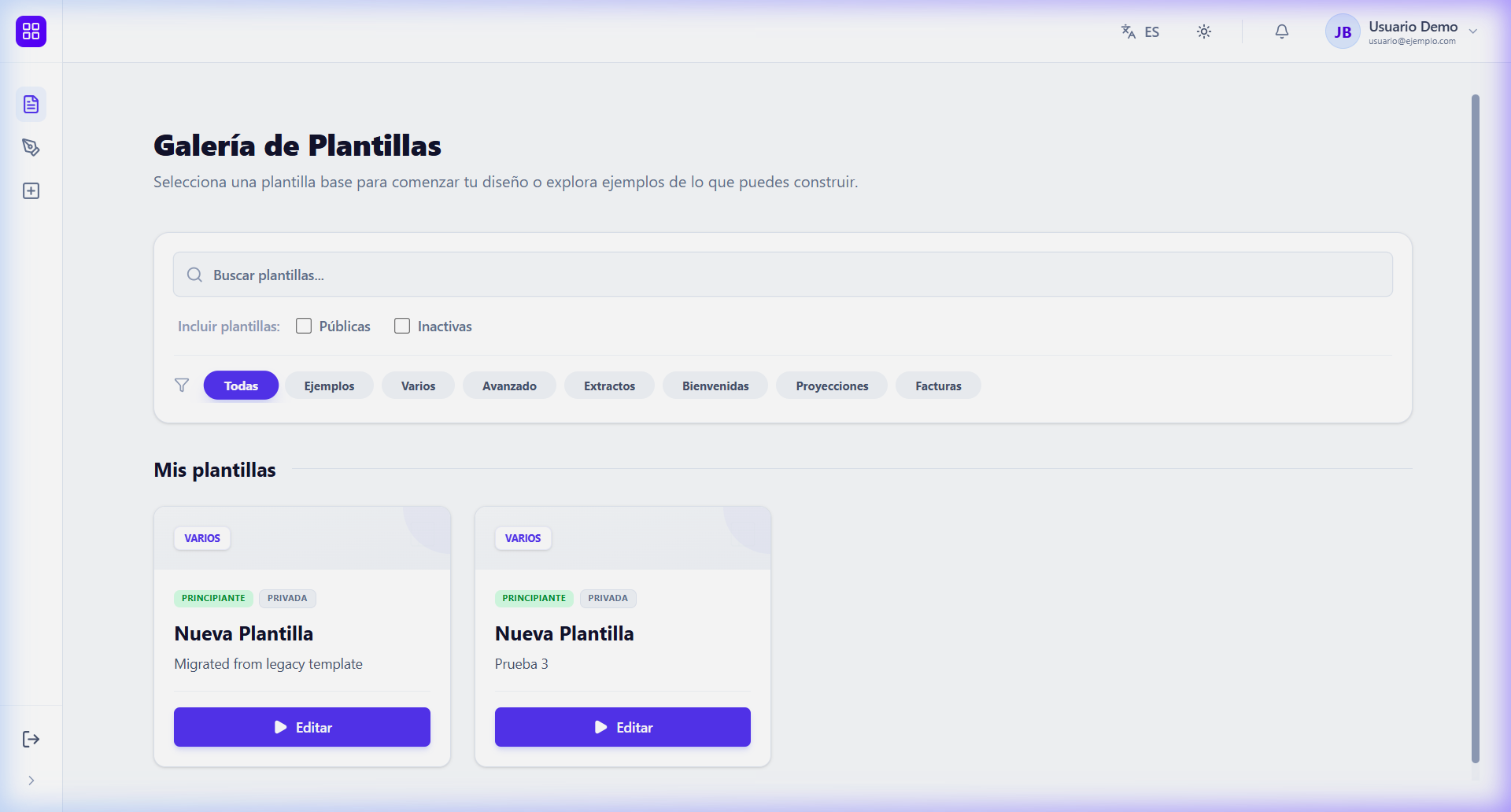
Upon entering DocCoreX Studio, the first screen you’ll see is your personal template gallery. Here you can manage all your document designs.
🌐 Public Templates
DocCoreX offers a library of predefined templates that you can use as a starting point.
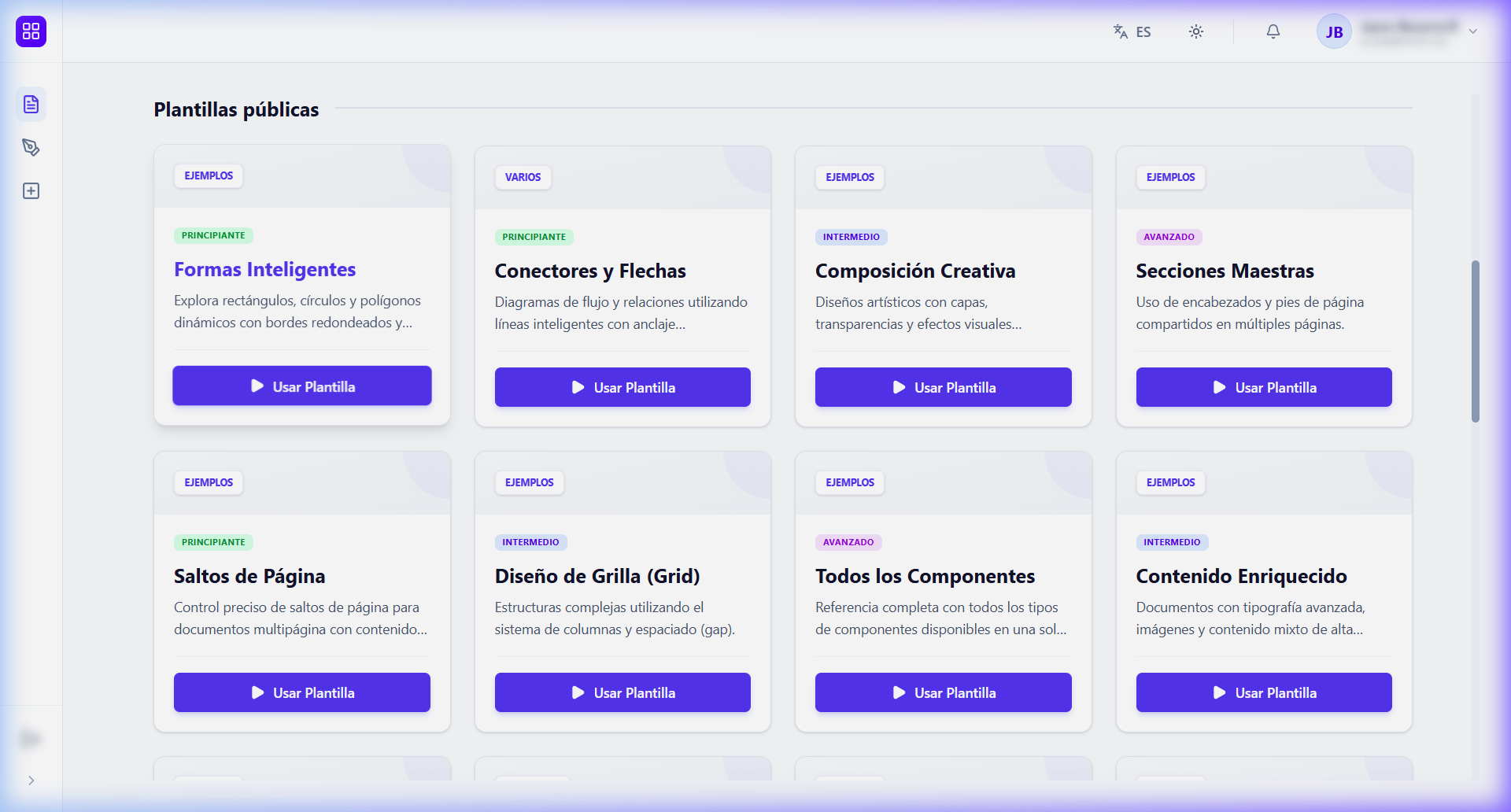
- Activate: Check the “Public” box in the top filters to view the official library.
- Use Template: When selecting a public template, you can clone it to your personal space for editing.
🔍 Organization and Filters
If you have many templates, you can find them quickly using:
- Search: Filter by template name in real-time.
- Categories: (If configured) Allows grouping templates by purpose (Invoices, Reports, etc.).
[!TIP] Before making critical changes, we recommend Cloning your template to have a backup version while experimenting with new designs.